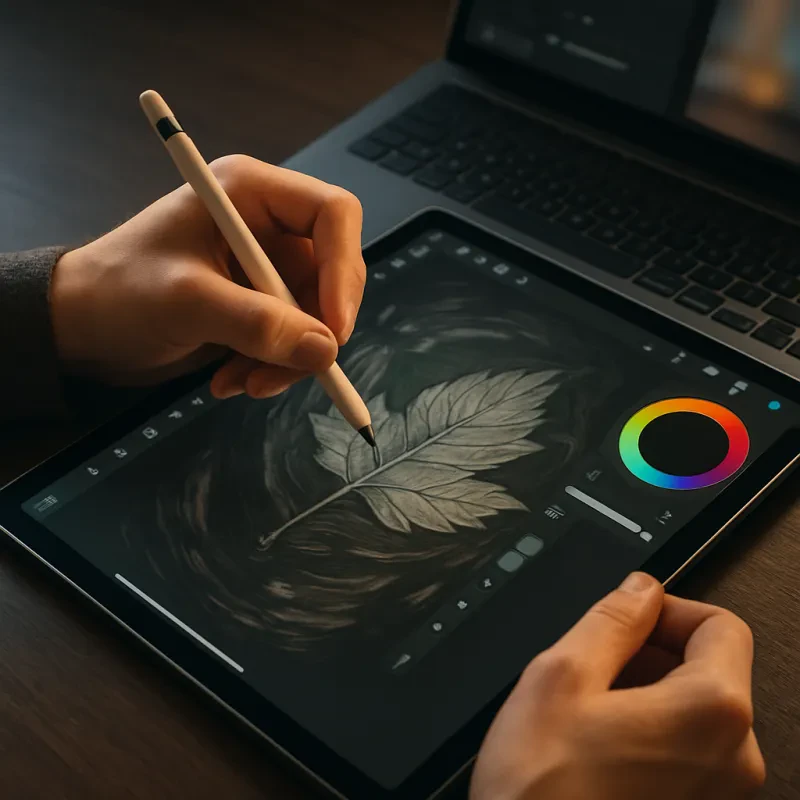
Once you’ve got your hardware, it’s time to pick some software. There are plenty of options out there! Programs like Procreate, Adobe Fresco, and Krita are great for beginners. They offer user-friendly interfaces and a ton of tools to explore. Check out online tutorials to learn the basics. Trust me, watching someone else play with the software can really speed up your learning process.
Don't forget to experiment! Digital art tools tips often include trying out different brushes, colors, and techniques. Dive into layering, blending modes, and shortcuts. These features can take your art from basic to stunning in no time. And remember, there's no right or wrong way in art. Let your creativity flow and don't hold back!
One final tip: share your work! Whether it’s on social media or art platforms, getting feedback is so helpful. Other artists and viewers can give you insights that might improve your skills even more. Plus, it feels great to connect with others who share your passion!
Choosing the Right Software for You
First up, think about what you want to create. Are you into painting, drawing, or maybe graphic design? Different software caters to different styles. For painting and illustration, software like Procreate or Corel Painter can be fantastic. If you’re more into graphic design, Adobe Illustrator might be your best bet. Knowing your goals helps you narrow down your options.
Next, consider your budget. Some programs come with a hefty price tag, while others are completely free! If you're just starting out, you might want to try out free options like Krita or GIMP. They have lots of features without costing a dime. Once you find your groove, you can always invest in a paid program later.
Lastly, don't forget to check compatibility! Some software runs only on specific operating systems, so it’s crucial to ensure what you pick works with your device. Test out demos or free versions when possible. This way, you can dive in and see if you like the interface before making a commitment. With these digital art tools tips, you’ll be on your way to finding the perfect software that suits your creative style!
Essential Hardware for Digital Artists
If you're diving into digital art, having the right hardware can make a huge difference. Let’s break down the essential gear you’ll want to have, making your creative journey smoother and way more fun.
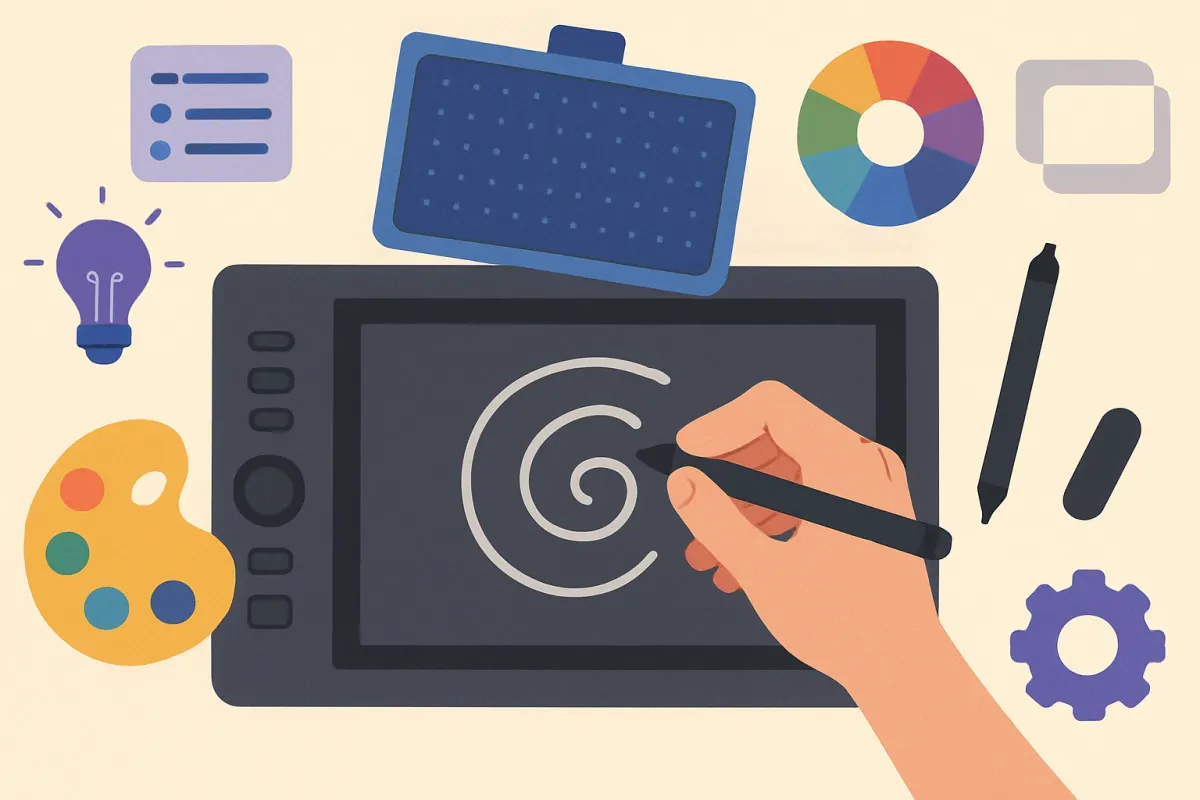
First up, a good graphics tablet is a must-have. Brands like Wacom or Huion offer great options for beginners. Look for a tablet that feels comfortable and gives you that pen-on-paper vibe. You don't need the fanciest model—just something that lets you express your creativity easily.
A reliable computer is also key. Whether you go for a laptop or a desktop, just make sure it has enough power to run your favorite art software. Good RAM and a decent processor will save you from lagging while you bring your ideas to life. You want your tools working with you, not against you!
Don’t forget about a color-accurate monitor! If you want your digital art to look amazing, a screen that displays colors well is super important. You might want to invest in a monitor with IPS technology—it gives you sharp images and beautiful colors, making your artwork pop.
Lastly, think about getting a comfortable stylus. Some tablets come with one, but a good stylus can really enhance your drawing experience. Look for one with pressure sensitivity; it lets you create dynamic lines and textures, which is a game changer for any artist. These hardware tips will really help your creative process, so keep them in mind as you explore more digital art tools tips!
Helpful Tips for Improving Your Skills
Want to level up your digital art game? Here are some easy and friendly tips that'll help you improve your skills with digital art tools. You don't need to be a pro to start—just a little practice and a positive mindset!
First off, explore all the features of your digital art tools. Spend time clicking around and getting to know what each button does. You might be surprised by how many shortcuts and tools are hiding in the menu. Many drawing programs have brushes, textures, layers, and blending modes just waiting for you to discover them. Experiment with these features and see how they can change your artwork.
Next, don’t skip the basics. While all the fancy tools are fun, having a solid understanding of things like color theory and composition will seriously improve your artwork. Brush up on basics by watching tutorials or following online classes. Getting comfortable with the fundamentals will make using your digital art tools so much easier.
Don’t forget to practice! Set aside regular time to draw, even if it’s just doodling or trying out new techniques. Consistent practice will help you build muscle memory and get familiar with your tools. You could even start a sketchbook to track your progress over time. It's amazing to look back and see how much you’ve improved!
Finally, share your work! Join online communities or social media groups where other artists hang out. Getting feedback can be super helpful, and you’ll find tons of inspiration from others. Remember, these digital art tools tips are about enjoying the process too. Have fun and let your creativity shine!